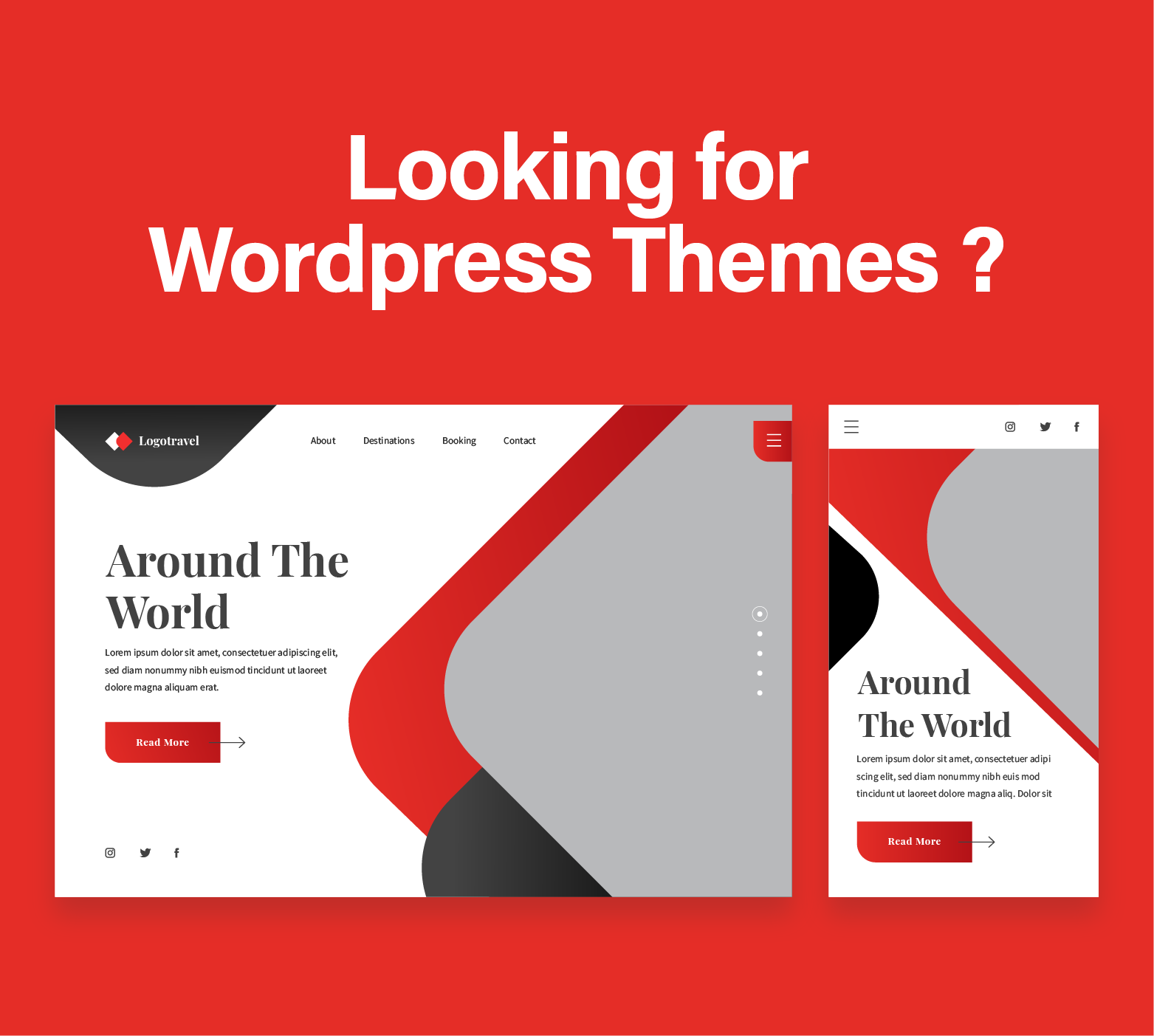
Most WordPress sites do not lose traffic because Google hates them. They lose because the design is wearing clown shoes. I have seen gorgeous homepages with giant videos, mystery meat navigation, six fonts fighting in the header, and enough JavaScript to make a laptop sound like a leaf blower.
That is the dirty little secret behind wordpress website search engine optimization. It is not just plugins, keywords, and wishful thinking. It is design. Structure. Speed. Intent. The bones under the paint. People search for diy seo wordpress tricks because they want a quick win, but the truth is harsher: bad design can strangle good content before it even gets a chance to rank.
SEO friendly design starts before the plugin circus
A lot of site owners think setup seo wordpress means installing a plugin, filling in a few titles, and calling it a day. Cute idea. Unfortunately, search engines are not fooled by shiny buttons and green checkmarks. They read structure, hierarchy, load behavior, internal linking, and usability signals that scream whether your site was built thoughtfully or held together with hope and duct tape.
Design shapes crawlability. Design shapes readability. Design shapes whether visitors stay or bail after three seconds. If your homepage looks smart but buries your core pages under three menus, a pop up, and a giant hero banner with no real text, your SEO foundation is already wobbling.
Here is where smart design helps search performance right away:
- Clear navigation tells search engines which pages matter most.
- Fast layouts reduce abandonment and improve page experience.
- Consistent heading structure makes content easier to interpret.
- Mobile friendly spacing keeps users from rage tapping the wrong thing.
- Internal links guide crawlers and humans through the site logically.
Simple, right? Simple is not the same as easy. I once saw a developer stuff four page builders into one WordPress install. That site loaded like a dying walrus.
Your theme is either helping you rank or quietly sabotaging you
The theme is not just a cosmetic shell. It controls markup, layout behavior, heading logic, mobile responsiveness, and sometimes enough bloated code to start its own weather system. If you want to learn how to do seo for wordpress website design properly, start by auditing the theme before you touch anything else.
A messy theme creates messy output. Search engines may still crawl it, sure, but clean HTML and sensible structure make their job easier. Your visitors feel that too, even if they cannot name it. They just know the site feels smooth instead of weird.
A strong SEO friendly WordPress theme usually includes:
- Clean semantic headings with one clear H1 per page
- Mobile responsive layout that does not hide useful content
- Fast rendering with limited unnecessary scripts
- Good typography with readable font sizes and spacing
- Logical content containers that do not bury text under design fluff
If your current theme fails half of that list, you do not need a pep talk. You need a rebuild, or at least a serious cleanup.
Custom builds beat bloated shortcuts more often than people admit
Now we get to the spicy part. Custom builds. Agencies love to sell them. Clients love to fear them. The truth sits in the middle, smoking quietly.
A custom WordPress build can be fantastic for SEO because it removes junk. No extra widgets you never use. No weird layout modules. No buried code from features abandoned three years ago. Just the components your business needs, built around performance and content hierarchy.
That matters because how to optimize seo on wordpress is often less about adding things and more about removing nonsense. When a custom build is done right, you get lean templates, cleaner internal linking paths, and better control over schema, archive pages, and page speed priorities.
A custom build is especially useful when:
- Your current theme is overloaded with features you do not need
- Your content types are unique and need structured templates
- Your mobile experience feels patched together
- Your blog, service pages, and landing pages all need different layout rules
- You care about long term maintainability and not just launch day screenshots
Of course, bad custom work is still bad work. A developer can create elegant markup or an unholy swamp of spaghetti code. There is no magic in the word custom. The magic is in disciplined execution.
Legacy migration is where many rankings go to die
Redesigning a WordPress site without a migration plan is like renovating a house by setting fire to the kitchen and hoping the bathroom learns a lesson. Legacy migration matters because your existing URLs, metadata, internal links, images, and content equity already carry history.
Plenty of businesses wreck their organic traffic during redesigns. They change URLs casually. They forget redirects. They collapse category structures. They delete useful pages because someone in a meeting said, “Let’s simplify.” That sentence has murdered more rankings than bad coffee and feature creep combined.
When migrating an older WordPress site, protect these elements first:
- Existing URLs that already rank or earn backlinks
- Title tags and meta descriptions worth keeping
- Internal links from high authority pages
- Image alt text and media relevance
- Blog categories and archive logic that support discovery
You cannot talk about how to add seo to wordpress website without talking about migration discipline. SEO is not paint. It is infrastructure. Move one beam carelessly, and the whole floor starts groaning.
Legacy migrations need a content map, not vibes
Before changing anything, map the old site against the new one. Page by page. Template by template. Keyword intent by keyword intent. Yes, it is tedious. So is losing 40 percent of your traffic because someone renamed the services page to “Our Universe.”
Use this migration checklist:
- Export all current URLs
- Identify top traffic and top converting pages
- Match every old page to a new destination
- Set up 301 redirects before launch
- Crawl the staging site for broken links and missing metadata
- Recheck headings, canonicals, and index rules after launch
Boring? Absolutely. Necessary? Painfully so.
UX and UI are not separate from SEO, no matter what your designer says
Some people still treat UX and SEO like divorced parents forced to sit at the same school recital. That is a mistake. Search visibility and user experience feed each other. A site that confuses people rarely performs well for long. A site that answers questions clearly, loads fast, and moves users toward action sends healthier engagement signals.
Good UX helps people find content. Good UI helps them trust it. Together, they keep users moving instead of bouncing back to results pages like startled deer.
Here is what strong UX and UI do for SEO:
- They reduce friction between search intent and page content
- They improve readability with clean spacing and visual hierarchy
- They support mobile behavior instead of punishing it
- They make key actions obvious without turning the page into a carnival
- They help visitors discover related content through smart internal linking
Think about blog design for a moment. Your wordpress blog search engine performance depends on more than article quality. If category pages are weak, search is broken, related posts are irrelevant, and the reading experience feels cramped, even good content underperforms.
Design choices that quietly improve rankings
Not every SEO win looks dramatic. Some are almost annoyingly plain. Cleaner headings. Better spacing. Fewer pop ups. Tighter calls to action. Smaller image payloads. Less decorative clutter above the fold.
That is often the work that moves the needle.
Here are design choices worth making:
- Put important copy high on the page without cramming it
- Use descriptive anchor text in menus and internal links
- Keep forms short and obvious
- Compress images before upload
- Use category and tag structures with restraint
- Design archive pages as useful hubs, not dead ends
I know, none of that sounds sexy. SEO rarely does. Yet the site that feels obvious, fast, and trustworthy often outranks the site trying to win a design award from three exhausted marketers in a Slack channel.
What DIY site owners can fix without blowing up the theme
You do not always need a full rebuild. Sometimes the smarter move is cleanup. If you are searching terms like diy seo wordpress or setup seo wordpress, you can improve quite a bit before hiring developers.
Start with the obvious friction points. Remove clutter. Tighten structure. Fix what hurts usability. Do not bolt on ten plugins because a YouTube guy looked confident. Confidence is cheap.
Try this order of operations:
- Audit page speed and remove nonessential plugins
- Simplify navigation so important pages are reachable fast
- Improve headings and content hierarchy on core pages
- Rewrite thin service pages with clearer intent
- Compress oversized images and fix lazy loading issues
- Improve internal linking between related pages and posts
- Check mobile layouts on real devices, not just in theory
That is a practical answer to how to do seo for wordpress website without turning your dashboard into a plugin graveyard.
When software development services become the smart move
There comes a point when patching stops being efficient. If your site runs on an ancient theme, five conflicting plugins, custom code nobody understands, and a design that collapses on mobile, then yes, professional software development services make sense.
This is where custom builds, legacy migration planning, and UX and UI strategy come together. A good team does not just make the site prettier. They reduce technical debt, preserve search value during migration, create scalable templates, and make content publishing easier for the humans stuck using WordPress every week.
That last part matters more than people admit. A site can be beautifully optimized at launch and still decay fast if publishing workflows are painful. Editors cut corners. Images go uncompressed. Headings get weird. Internal links disappear. Chaos creeps in wearing loafers.
A strong development partner should help you with:
- Custom theme architecture built around performance
- Migration planning that preserves rankings and URLs
- UX and UI systems that support conversions and readability
- Cleaner templates for blogs, services, and landing pages
- Easier content management for nontechnical editors
That is the grown up version of wordpress website search engine optimization. Not tricks. Systems.
Conclusion
If you want an SEO friendly WordPress site, stop treating design like decoration. It is structure. It is behavior. It is discoverability. The prettier question is not “How does it look?” but “Does this design help search engines understand the site and help humans trust it fast?”
That is why how to optimize seo on wordpress and how to add seo to wordpress website are really design questions disguised as plugin questions. Clean themes, thoughtful custom builds, careful legacy migration, and sharp UX and UI work do more for long term visibility than any bag of cheap hacks ever will.
Good WordPress SEO is rarely glamorous. It is clear navigation, sane structure, fast pages, useful templates, and content that is easy to crawl and even easier to read. Build that, and you give your site a fighting chance in search. Ignore it, and you are just putting lipstick on technical debt.
I have met plenty of websites that looked expensive and ranked like a paperweight. Do not build one of those.
Your homepage should not need therapy because the slider has abandonment issues.
Do you need wordpress seo services ? No problem, our agency is here to help.