
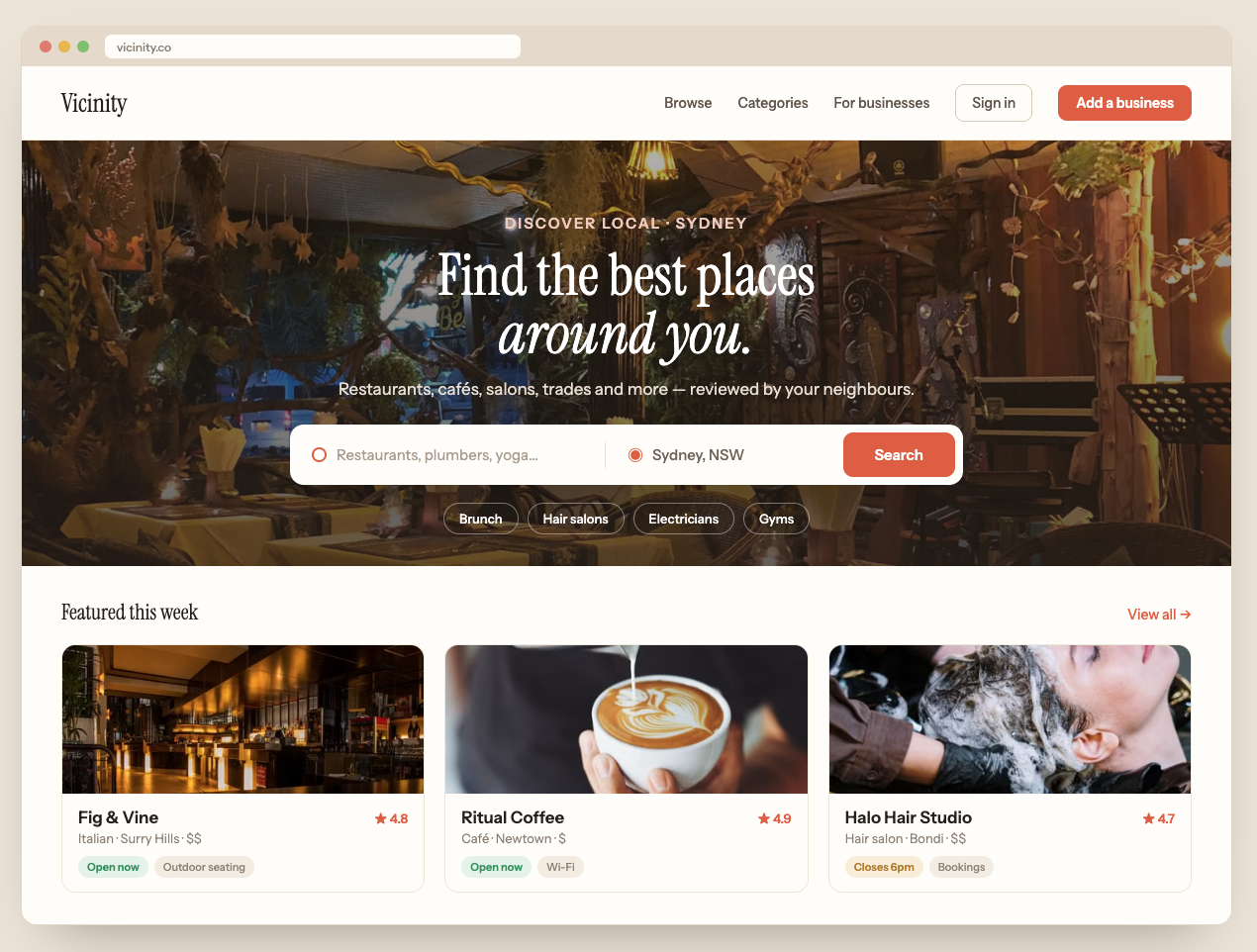
Somebody is making money right now from a website that just lists other people’s businesses.
Let that sink in for a second. No inventory, no shipping, no customer support nightmares. Just a well-organized list of plumbers, restaurants, wedding photographers, or AI tools, with businesses paying to be featured on it.
That’s the directory business model, and it’s one of the most underrated ways to build an online income in 2026. The best part? With WordPress and a good WordPress directory theme, you can have one up and running in a weekend, without writing a single line of code.
In this guide, we’ll walk you through the whole thing, start to finish. Not the vague “install WordPress and good luck” advice you see everywhere, but the actual decisions you’ll face, the mistakes that kill most directories, and how to build one that people actually use.
And if you’d rather skip the DIY route entirely, just get in touch with us. We’re a one stop shop for launching directory businesses: the software, the technical setup, and the marketing to get it off the ground.

What Is a Directory Website, Really?
At its core, a directory website is a searchable, categorized list of businesses, services, people, or resources. Think Yelp for restaurants, Zillow for real estate, Avvo for lawyers, or TripAdvisor for travel. Users come to find something specific, filter by location or category, compare options, read reviews, and make contact.
You’ve used directories a hundred times without thinking about it. And here’s the thing: behind every one of them is someone collecting listing fees, ad revenue, or lead commissions.
Directories work because they solve a real problem. The internet has everything, but “everything” is useless when you just want a good emergency plumber in your town at 11pm. A directory does the curating for people. That curation is the product.
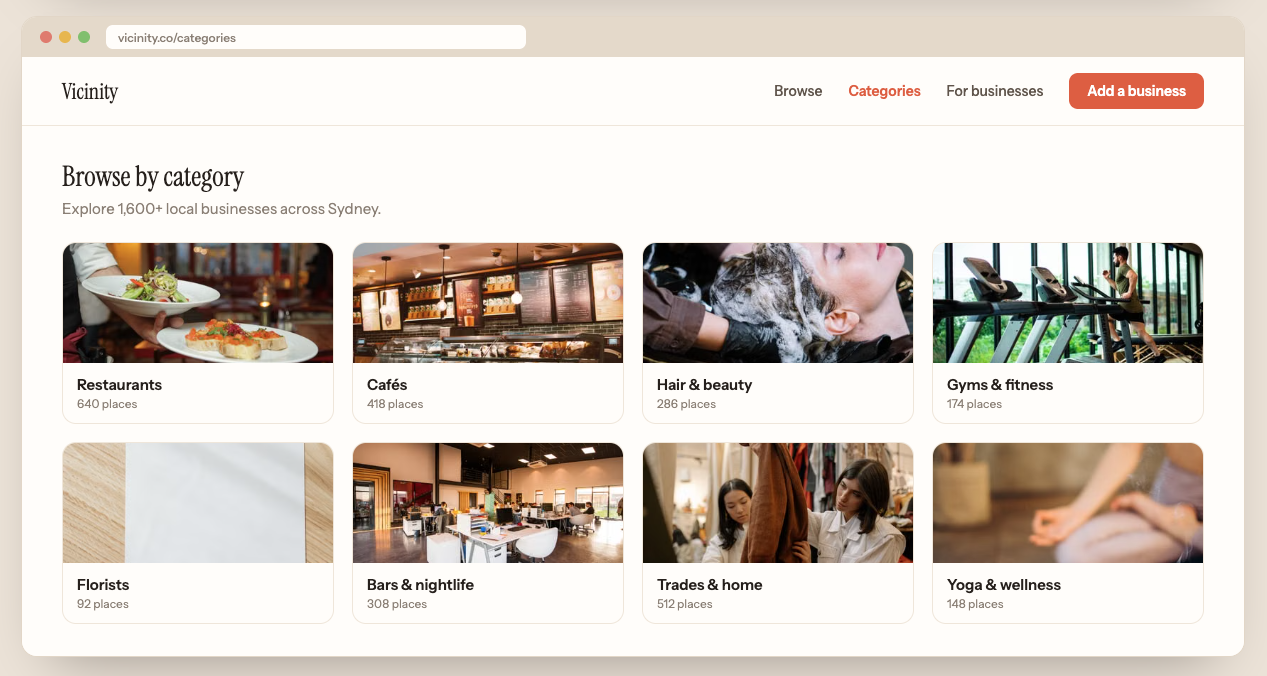
Types of Directory Websites You Can Build
A few proven directions, to get your gears turning:
- Local business directories: everything in one city or region. Great for building a local media brand.
- Niche service directories: only wedding vendors, only dog groomers, only tattoo artists. Narrow beats broad here.
- Professional directories: lawyers, doctors, therapists, accountants. High trust niches where people research carefully.
- Real estate and rental listings: properties, agents, or both.
- Job boards: technically directories too, connecting employers and candidates.
- Tool and software directories: AI tools, SaaS products, WordPress plugins. Huge growth area right now.
- Travel and tourism directories: attractions, hotels, restaurants for a destination.
The pattern you’ll notice: the most successful new directories are hyper-specific. “Businesses in Texas” is a losing battle. “Mobile dog groomers in Austin” or “wedding venues in the Scottish Highlands” can absolutely win.
Step 1: Pick Your Niche (This Decision Matters More Than Anything Else)
Most guides skip this part and jump straight to installing themes. Big mistake. Your niche decides whether your directory makes money or becomes another abandoned project.
Here’s a simple test for a good directory niche. Ask yourself three questions:
- Are people actively searching for this? Type your idea into Google and check the autocomplete suggestions. Look at search volumes with any keyword tool. If nobody searches “best [your thing] in [your area]”, that’s a red flag.
- Do the businesses in this niche have money and a reason to pay? A directory of free community events is nice, but nobody pays to be listed. Wedding vendors, contractors, and lawyers, on the other hand, happily pay for leads because one customer is worth hundreds or thousands to them.
- Is the current competition beatable? If page one of Google is all thin, outdated listicles or a clunky directory that hasn’t been updated since 2019, you’ve found an opening.
Pick something where you can honestly answer yes to all three. It’s fine to start smaller than feels comfortable. You can always expand from “plumbers in Manchester” to “tradespeople in the UK” later. Going the other direction almost never works.
Step 2: Why WordPress Is the Right Tool for the Job
You’ve got options for building a directory: no-code stacks, SaaS directory builders, custom development. So why do we keep recommending WordPress after all these years? A few honest reasons:
You own everything. With SaaS builders you’re renting. They raise prices, you pay. They shut down, your business disappears. With WordPress, the site, the data, and the customer relationships are yours, on hosting you control.
The costs stay sane. A domain, decent hosting, and a quality directory theme will run you a few hundred dollars total to launch. SaaS directory platforms often charge that much every few months, forever, and custom development starts at five figures.
It scales. WordPress comfortably handles directories with tens of thousands of listings. You won’t outgrow it.
The ecosystem is unmatched. Whatever feature you’ll want in year two (memberships, email marketing, multilingual support, advanced SEO tooling), there’s already a mature plugin for it.
The one catch: WordPress out of the box is a blogging platform, not a directory. The magic ingredient is a purpose-built directory theme, which brings us to the next step.
Step 3: Get Your Domain and Hosting Sorted
Quick and practical, because this part shouldn’t take you more than an hour.
Domain name: keep it short, memorable, and ideally hint at the niche. “AustinDogGroomers.com” tells people exactly what they’re getting. Don’t agonize for weeks, a decent name you launch with beats a perfect name you never buy.
Hosting: directories are database-heavy compared to blogs, since every search query hits the database with filters. Cheap shared hosting will feel sluggish once you have real traffic. Pick a managed WordPress host or a solid VPS with:
- PHP 8.1 or newer and plenty of memory
- SSD storage and server-side caching
- Free SSL certificate (non-negotiable in 2026)
- Daily automatic backups
- One-click WordPress installation
Install WordPress through your host’s one-click installer, log into your dashboard, and you’re ready for the fun part.
Step 4: Install a Proper Directory Theme
This is where your site stops being a blank WordPress install and becomes an actual directory. A good directory theme handles the heavy lifting: listing submission forms, categories, advanced search with filters, maps, user accounts, reviews, and payment collection for paid listings.
What to look for when choosing:
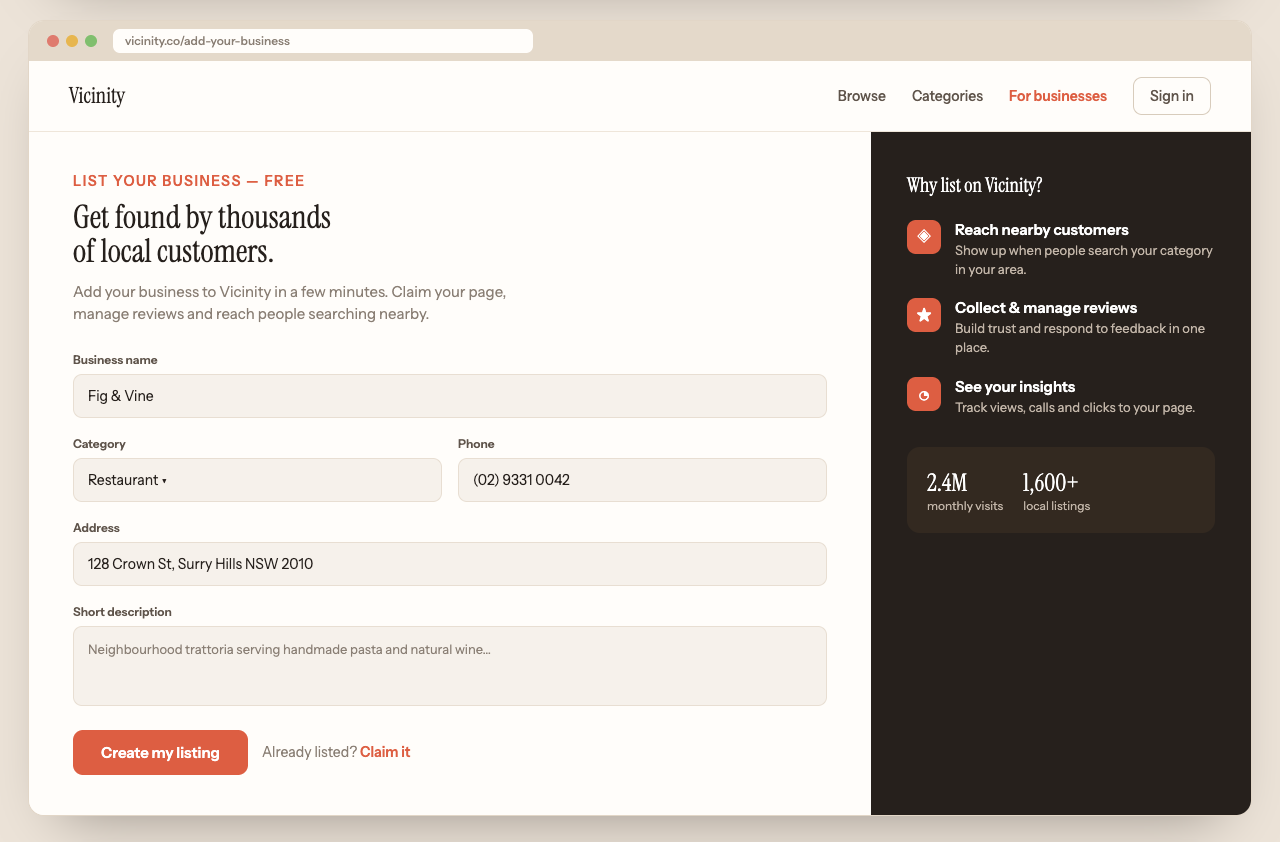
- Frontend submissions: business owners must be able to add and manage their own listings without touching your admin area. This is what makes a directory run itself.
- Built-in monetization: paid listing packages, featured spots, and recurring payments should work out of the box, not require duct-taping five plugins together.
- Advanced search and filtering: by category, location, price, rating, custom fields. Search is the core product of a directory, so it needs to be fast and flexible.
- Maps integration: users expect to see results on a map, period.
- Reviews and ratings: social proof keeps users coming back and gives businesses a reason to care about their listing.
- Mobile responsiveness: most of your traffic will be on phones. Test the demo on your own phone before buying anything.
- Active development and support: a theme that hasn’t been updated in a year is a liability.
Our Buzzler directory theme was built around exactly this checklist, because we got tired of seeing people cobble together generic themes with a dozen conflicting plugins. Everything a directory needs is in one package, and our team is behind it if you get stuck.
Installation is the easy part: in your dashboard go to Appearance, then Themes, click Add New, then Upload Theme, and pick the zip file you received. Activate it, and follow the setup wizard.
Import the Demo Content First
Here’s a tip that saves hours: import the theme’s demo content before you customize anything. You’ll instantly see a fully working directory with sample listings, categories, and pages. It’s much easier to replace sample content with your own than to build every page from a blank canvas while guessing how things are supposed to look. Once you understand the structure, swap in your branding and delete the samples.

Step 5: Customize the Design (Without Overdoing It)
Real talk: nobody ever chose a directory because of its color scheme. Users care about finding what they need fast. So customize with restraint:
- Add your logo and set your brand colors in the theme customizer.
- Make the homepage search bar impossible to miss. That search bar is your entire product.
- Set up your category structure carefully. Categories are how users browse and how Google understands your site. Aim for categories people actually search for, not clever ones.
- Configure the listing fields for your niche. A restaurant directory needs cuisine type and price range. A lawyer directory needs practice areas and bar admissions. Custom fields are what make your directory feel purpose-built.
- Check everything on mobile. Then check it again.
Resist the urge to install twenty plugins on day one. Every plugin is extra weight and a potential conflict. Add tools when you have an actual need, and always test on a staging copy before touching your live site.
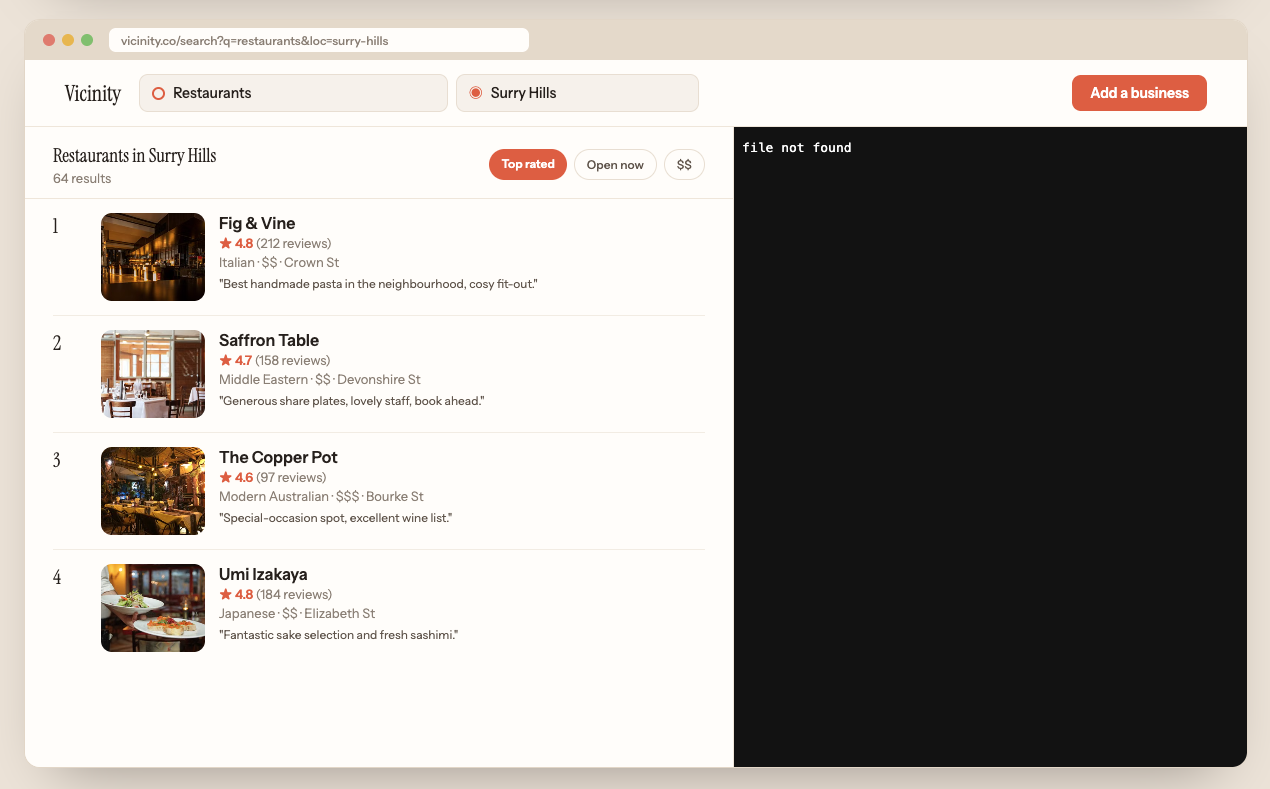
Step 6: Add Your First Listings (The Chicken-and-Egg Solution)
Every directory faces the same launch problem: businesses won’t pay to join an empty directory, and users won’t visit a directory with three listings. Here’s how you break the cycle.
Seed it yourself. Before launch, add 50 to 100 quality listings for free using publicly available business information. Fill in real descriptions, correct contact details, and decent photos. Your directory now looks alive and provides genuine value from day one.
Then claim-and-upgrade. Reach out to the businesses you listed and invite them to claim their free listing. Most will, because it takes two minutes and it’s free exposure. Once they’ve claimed it, they’re invested, and a portion of them will upgrade to featured placement or premium features. This is the exact playbook the big directories used in their early days, and it still works beautifully.
Make submission dead simple. Your frontend submission form should take five minutes to complete, tops. Every extra required field costs you listings. Ask for the essentials, let them enrich the listing later.
As submissions come in, moderate them. One spammy or dead listing won’t hurt, but a directory full of them destroys the trust you’re trying to build. Set aside a little time each week to review new listings and prune stale ones.
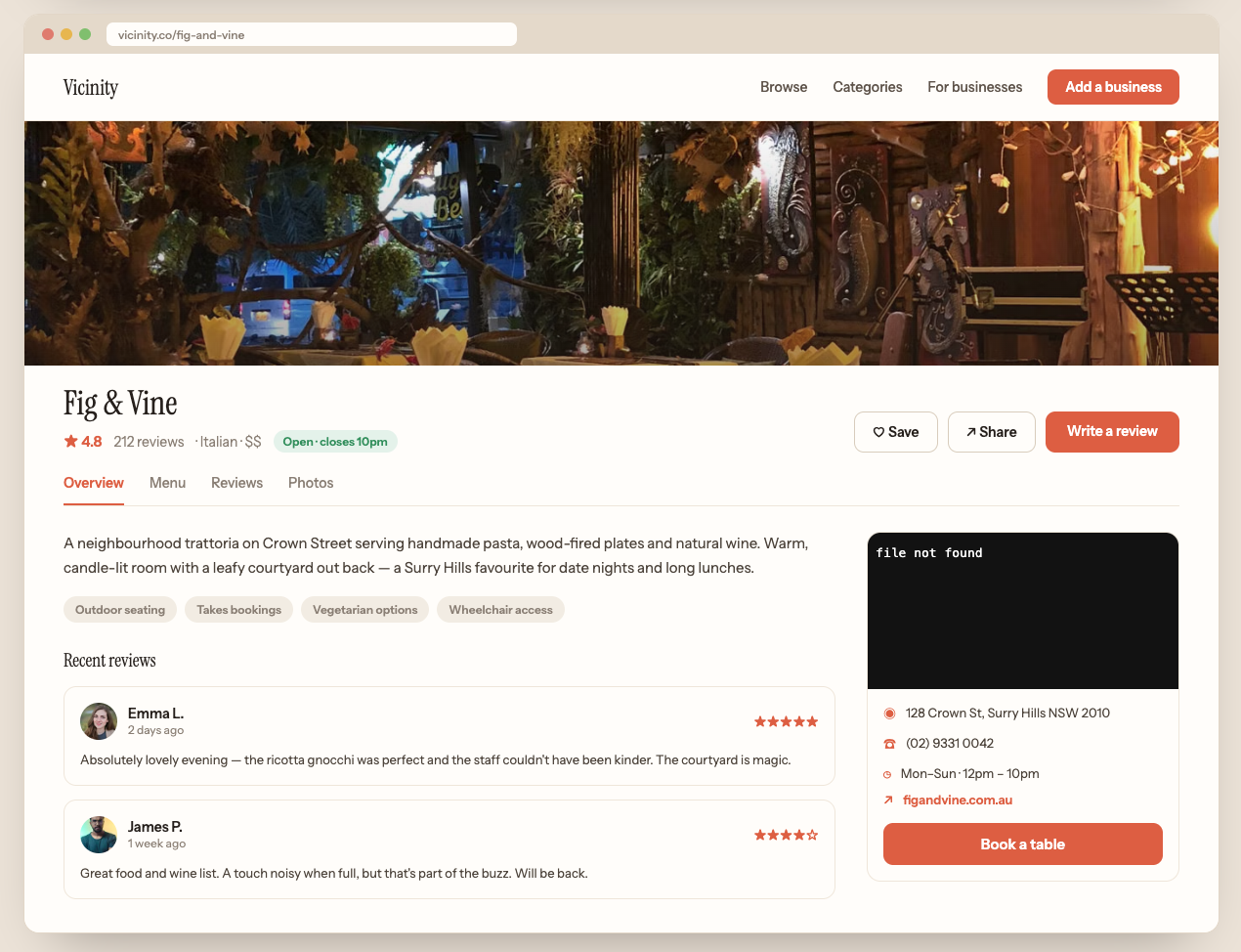
Step 7: Choose How Your Directory Makes Money
The part everyone actually cares about. Directory websites have more monetization options than almost any other site type, and the best ones stack several:
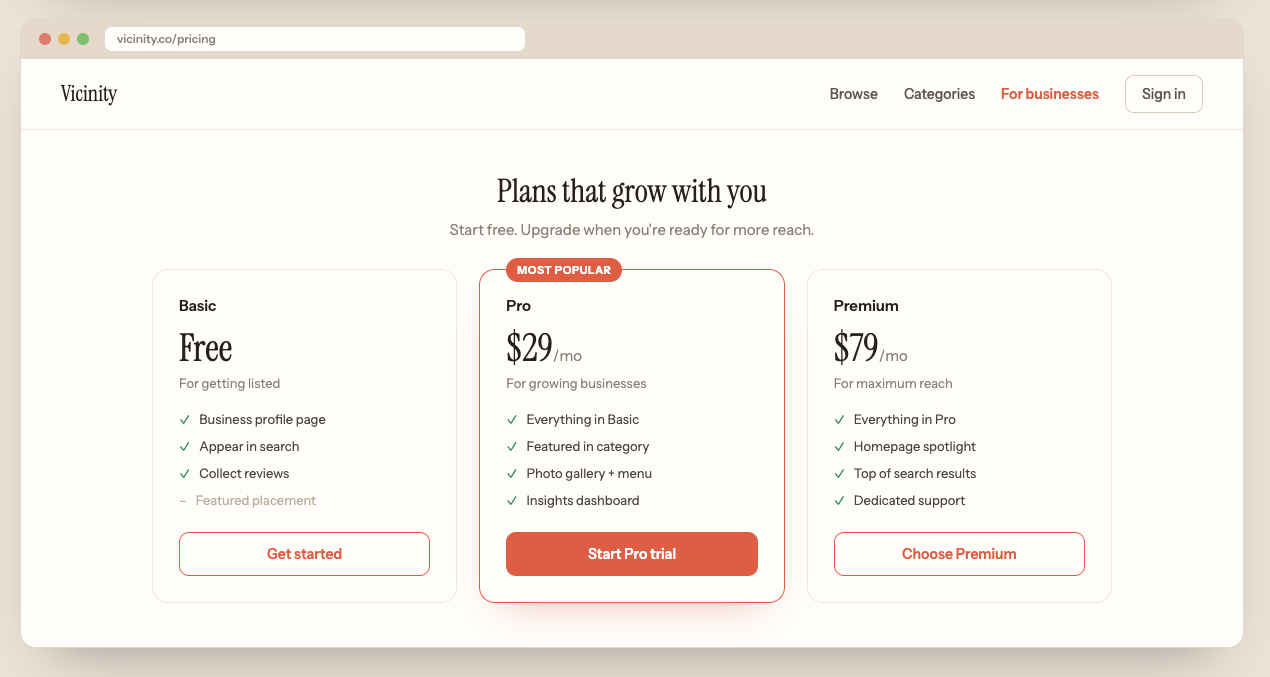
- Paid listing packages: the classic. Free basic listings, paid tiers with more photos, videos, links, and better placement. Recurring monthly or yearly billing turns this into predictable income.
- Featured listings: the top spots in search results and category pages. Businesses pay a premium to be seen first. This is usually the highest-margin revenue stream.
- Lead generation: charge businesses per inquiry or quote request that comes through their listing. This works brilliantly in high-value niches like home services and legal.
- Banner advertising: once you have traffic, sell ad space directly to businesses in your niche. Way more lucrative than slapping AdSense everywhere.
- Affiliate income: especially good for tool and product directories, where every listing can carry an affiliate link.
- Sponsored content: businesses pay for a feature article or “best of” inclusion on your blog.
Our advice for launch: keep basic listings free, sell featured placement, and add the fancier models once you have traffic. Charging too much too early is the fastest way to stay empty.
Step 8: SEO for Directory Websites (Your Main Traffic Engine)
Here’s the beautiful thing about directories: they’re SEO machines by design. Every listing is a page. Every category is a page. Every category-plus-location combination is a page. A directory with 500 listings across 20 categories and 10 towns can rank for thousands of long-tail searches like “emergency electrician in Leeds” without writing a word of blog content.
But that only happens if you set things up right:
- Nail your on-page basics. Every listing and category page needs a unique, descriptive title tag and meta description. Your theme should handle the templates for this automatically.
- Build out category and location pages. Add a paragraph or two of genuinely useful intro text to each major category page. These pages are your rankers, treat them like landing pages, not afterthoughts.
- Use schema markup. LocalBusiness and Review structured data helps Google show rich results with stars and details. Good directory themes output this automatically.
- Interlink aggressively. Related listings, nearby categories, popular searches. Internal links help users and help Google crawl your thousands of pages.
- Add a content layer. “Best of” roundups, buying guides, and how-to articles in your niche attract links and feed authority to your listing pages.
- Earn backlinks. Every business listed on your site has a reason to link back to their listing. That’s a built-in link building engine most sites would kill for. Encourage it with badges and “featured on” widgets.
SEO is genuinely the make-or-break factor for directories, and it’s also a lot of ongoing work: keyword research, technical fixes, content, links, month after month. If you’d rather focus on running the business side, our SEO packages exist for exactly this. We handle the ranking work with manual effort and clear monthly reporting, no long contracts, and directories are a niche we know inside out.
Step 9: Market Your Directory Beyond Google
SEO takes months to compound, so build other channels alongside it:
- Go where your niche hangs out. Facebook groups, subreddits, local forums, LinkedIn. Don’t spam your link, be genuinely useful and mention your directory when it fits.
- Email from day one. Collect emails with something valuable (a niche guide, a deals newsletter) and stay in people’s inboxes. Your email list is the one audience no algorithm can take away.
- Partner up. Local influencers, complementary businesses, industry associations. A partnership with one respected voice in your niche can put you on the map overnight.
- Let your listed businesses market for you. Give them badges, shareable listing links, and reasons to tell their customers “find us on [your directory]”. Every business you list has an audience, borrow it.
Step 10: Maintain and Grow
Directories aren’t set-and-forget, but the upkeep is light compared to most online businesses:
- Updates: keep WordPress core, your theme, and plugins current. Updates patch security holes and keep everything compatible. Do this monthly at minimum.
- Backups: automated daily backups, stored off-server. When (not if) something breaks someday, a backup turns a disaster into a ten-minute fix.
- Security: SSL everywhere, a security plugin, strong passwords, and limited login attempts. Directories handle user accounts and payments, so take this seriously.
- Data hygiene: dead businesses, changed phone numbers, closed locations. Do a quarterly sweep, and add a “report an issue” button so your users help you keep listings fresh.
- Listen and iterate: watch what people search for on your site. Searches with no results are literally your users telling you which listings and categories to add next.
Mistakes That Kill Most Directory Websites
We’ve seen hundreds of directories launch over the years. The ones that fail almost always make the same mistakes:
- Going too broad. “Everything, everywhere” directories can’t compete with Google itself. Niche down.
- Launching empty. Seed those first 100 listings before you tell anyone your site exists.
- Charging on day one. Free listings first, monetization once you have traffic and proof of value.
- Ignoring mobile. If your search and filters are clunky on a phone, you’ve lost most of your audience.
- Treating SEO as optional. For directories, organic search isn’t a channel, it’s THE channel.
- Building on the wrong foundation. A generic theme plus a pile of plugins turns into a maintenance nightmare. Purpose-built directory software saves you from years of pain.

Wrapping It Up
Building a directory website with WordPress comes down to this: pick a specific niche with paying businesses, get solid hosting, install a proper directory theme, seed it with quality listings, and grow it through SEO and smart outreach. None of the individual steps are hard. The winners are simply the people who follow through consistently.
The directory model has quietly minted successful online businesses for two decades, and with niches multiplying (AI tools, remote services, hyper-local everything), 2026 might be the best time yet to start one.
Ready to build yours? Grab our Buzzler directory theme and you’ll have every feature covered from day one. Need something tailored? Our team does custom web development too. And if you want the whole thing handled, from setup to rankings, get in touch and let’s launch it together.
FAQs
What is a directory website?
A directory website is an online platform that lists and categorizes businesses, services, people, or resources so users can search, filter, compare, and get in touch. Think of it as a modern, searchable version of the phone book, with maps, reviews, photos, and direct contact built in. Examples range from giants like Yelp and TripAdvisor to thriving niche directories for wedding vendors, lawyers, AI tools, or local trades.
Do people still use directory websites?
Absolutely, and arguably more than ever. Whenever someone needs a specific service and wants curated, comparable options with reviews, they end up on a directory, whether they think of it that way or not. Niche directories are especially strong right now, because they answer specific searches better than general search engines can.
Are directory websites profitable?
They can be very profitable. Revenue comes from paid and featured listings, lead generation fees, banner ads, affiliate links, and sponsored content, and most successful directories combine several of these. Costs are low (hosting, a theme, your time), and once established, a directory generates largely recurring, semi-passive income. Profitability comes down to picking a niche where businesses genuinely value the exposure, and building enough traffic to deliver it.
How much does it cost to build a directory website with WordPress?
Far less than most people expect. A domain costs around $10 to 15 per year, quality hosting runs $10 to 40 per month, and a premium directory theme is a one-time purchase of a couple hundred dollars or less. All in, you can launch a professional directory for a few hundred dollars, compared to five figures for custom development or perpetual monthly fees on SaaS platforms.
How long does it take to build a directory website?
The technical build takes a weekend with a good theme: install, customize, configure categories and fields. Seeding your first 100 listings might take another week or two of evenings. The real timeline is growth: expect 3 to 6 months of consistent SEO and marketing before meaningful organic traffic kicks in, which is normal for any new website.
Are directories good for SEO?
In two ways, yes. For businesses listed on them, reputable directories provide citations and backlinks that strengthen local SEO. For you as the directory owner, the model itself is an SEO machine: every listing, category, and location combination is a page that can rank for long-tail searches. The catch is that this potential only materializes with proper technical setup and ongoing optimization work.




